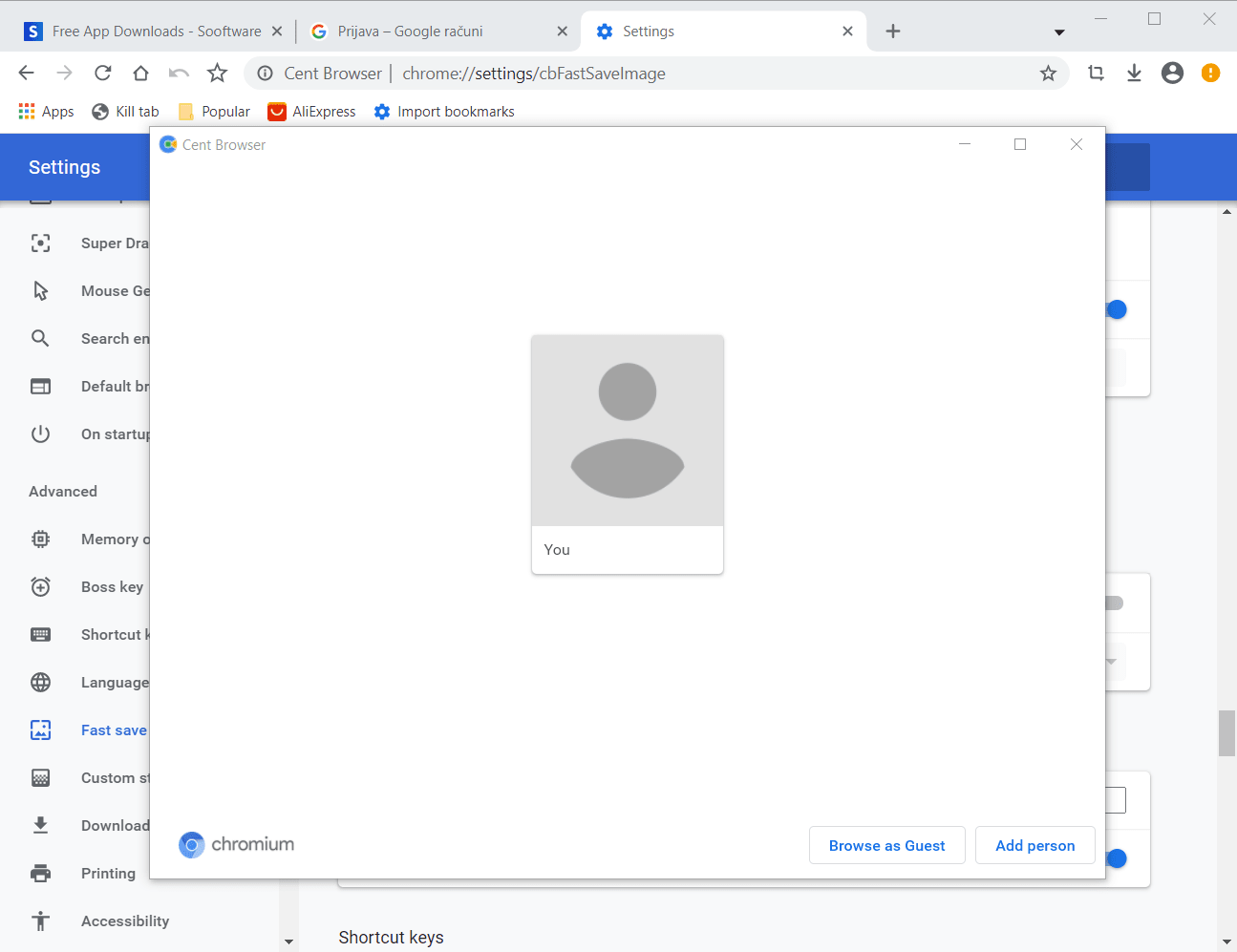
Chromium is the Google browser project that brought Google Chrome to life. While Chromium itself isn't advertised as a standalone browser, many third-party developers use it as a foundation, adding or removing features to suit their vision. This is exactly how Cent Browser came to be, so let's see what it has to offer.
Familiar but distinct
Cent Browser was launched by a small team of Chinese developers in 2015. It is available to download for free, and the installer is remarkably compact at around 70 MB. When you open it for the first time, you might think you accidentally clicked on Google Chrome. However, after some exploration, Cent Browser's unique characteristics begin to surface.Feature-rich without the clutter
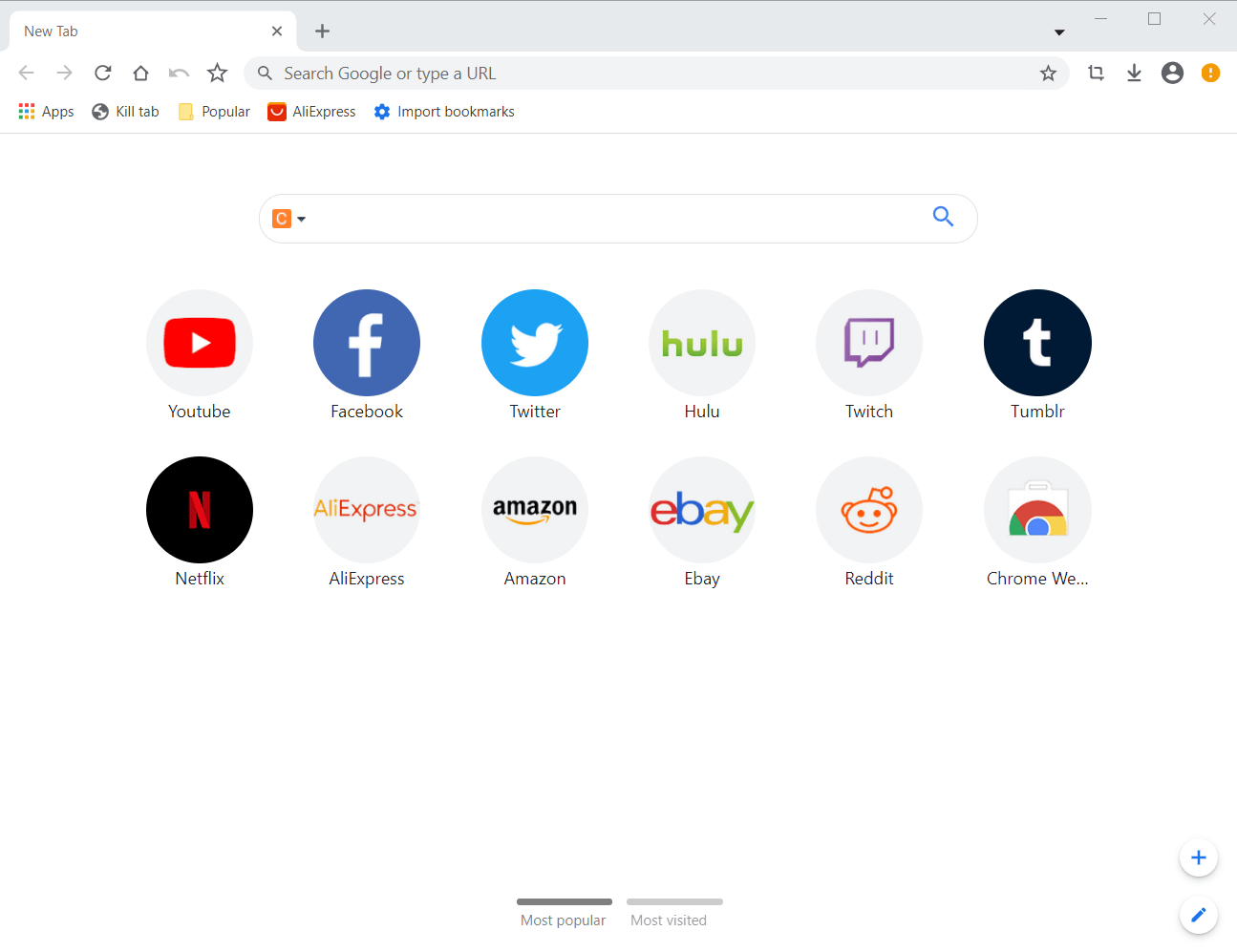
To start, Cent Browser introduces many useful features while preserving the minimalist user interface of Chromium. Unlike many other Chromium-based projects, it stays true to the original layout and stands out with handy, non-invasive options. Some changes are visible as soon as you open a new tab: you'll see a search box initially set to a default provider, which you can easily change to Google, Bing, or DuckDuckGo. At the top, you will find the home button, which has long been absent from Google Chrome. There are also dedicated buttons for downloads, bookmarks, and a screenshot tool for saving webpages as images.
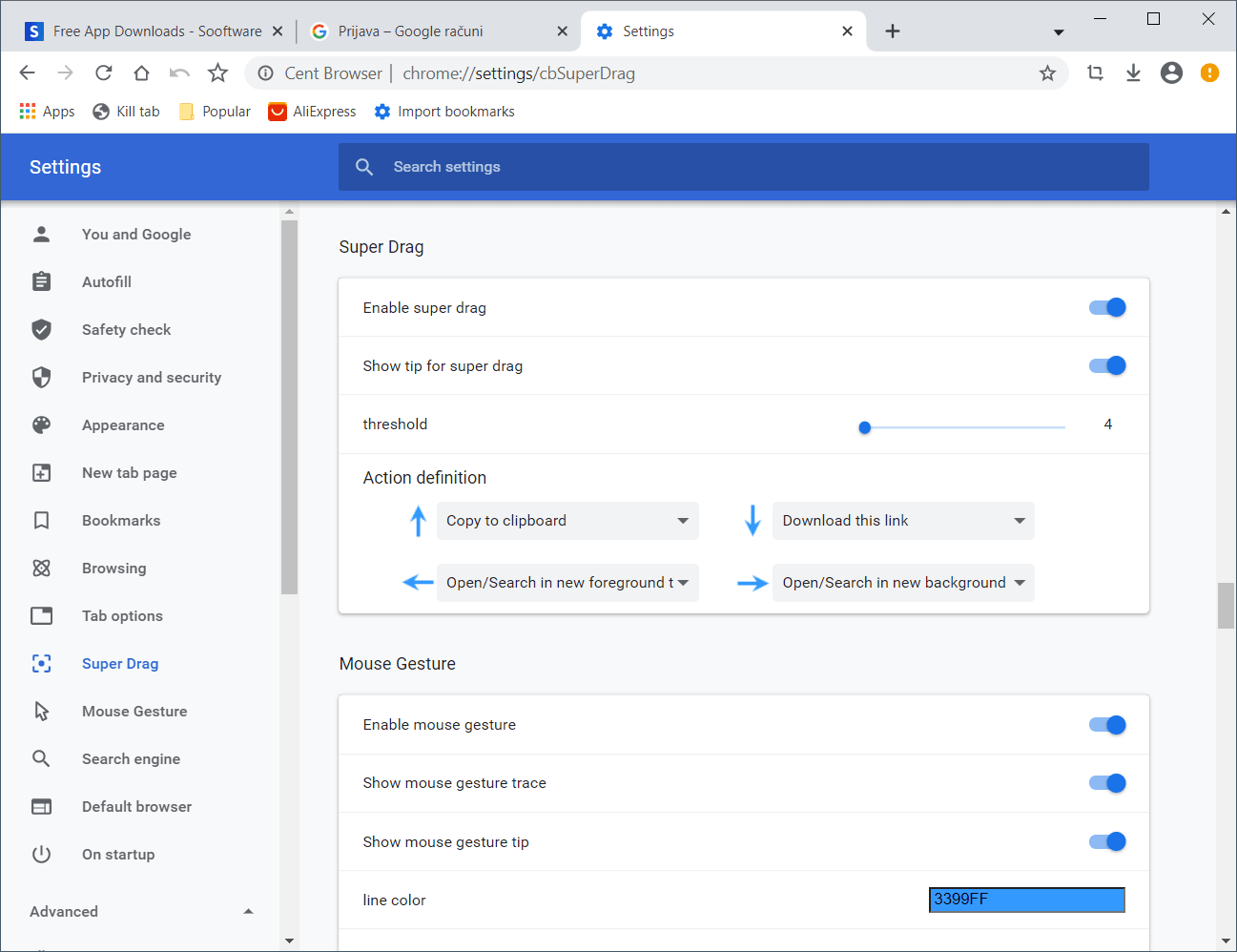
The tab bar is scrollable, and you can kill individual tabs if they start consuming too many system resources. Other practical additions include mouse gestures, a super drag function, a built-in download manager accessible from the top menu, and a QR code generator. For those who prefer to keep their systems clean, Cent Browser offers a portable version that requires no installation. It also includes proprietary memory management and optimization tools to keep things running smoothly.Customization and privacy considerations
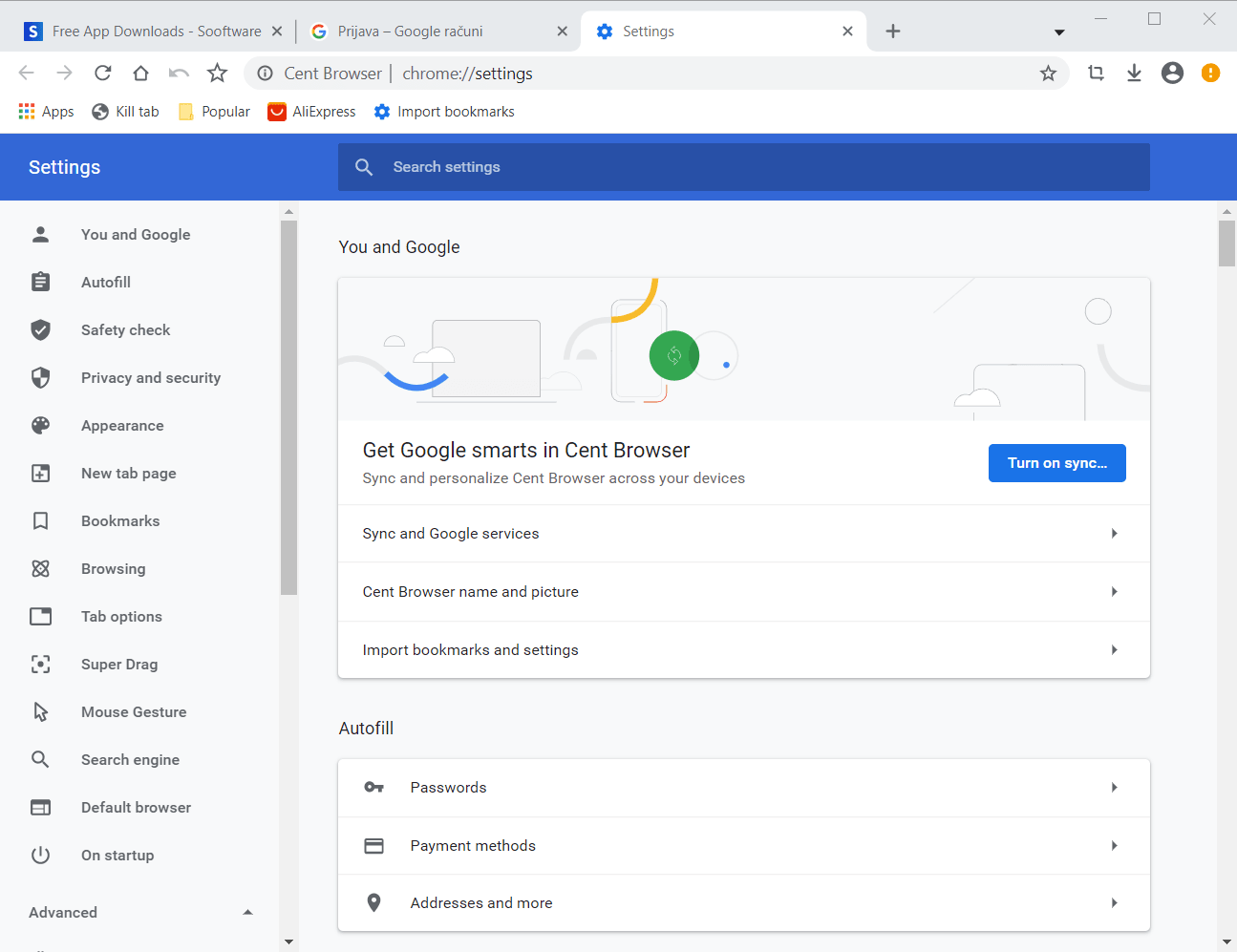
There are countless things to tweak in Cent Browser. Adding a screenshot option and a download manager to the top menu is a smart design choice that makes everyday browsing much easier. The browser provides several unique privacy features, though it doesn't quite match heavyweights like Opera in that department. There is also lingering skepticism from the online community regarding its overall security.A capable Chrome alternative
All things considered, Cent Browser is an excellent choice. If you are already used to Google Chrome, you won't find the transition jarring, and you will likely be pleasantly surprised by the new features. If you are moving away from Firefox or Edge and want to settle on a Chromium-based alternative, you might actually find Cent Browser to be a more practical daily driver than Google Chrome itself.